When I switched from a boundary-wire mower to a wire-free RTK model, I assumed the GPS just worked, like the map on my phone. Then it parked itself beside my two-story house one afternoon, flashing a signal error, and refused to move. The problem was not the mower at all. It was the tall wall blocking half the sky and a reference antenna I had bolted too low. GPS on these machines is fussier than people expect, and it needs a genuinely open view up. Here is the order I now use to bring a lost signal back, starting with the causes you can fix in minutes.
Step One: Understand What Your Mower Needs Overhead
Wire-free mowers navigate by satellite, and many premium models use RTK GPS, which pairs the mower with a fixed reference antenna or base station for centimeter accuracy. Both parts need a fairly open view of the sky to lock onto enough satellites. That is the mental model to start with. A signal drops when something blocks that view: dense tree canopy, a tall building, a solid fence, or even a run of thick eaves. Before you touch settings, walk the lawn and look up. Note every spot where the sky is boxed in, because those are exactly the places the mower will stall. Knowing that turns a vague error into a map of trouble zones.
If you are just getting oriented, Robot Mower Troubleshooting: Fix Common Problems is the best place to begin.
Step Two: Reposition the Reference Antenna
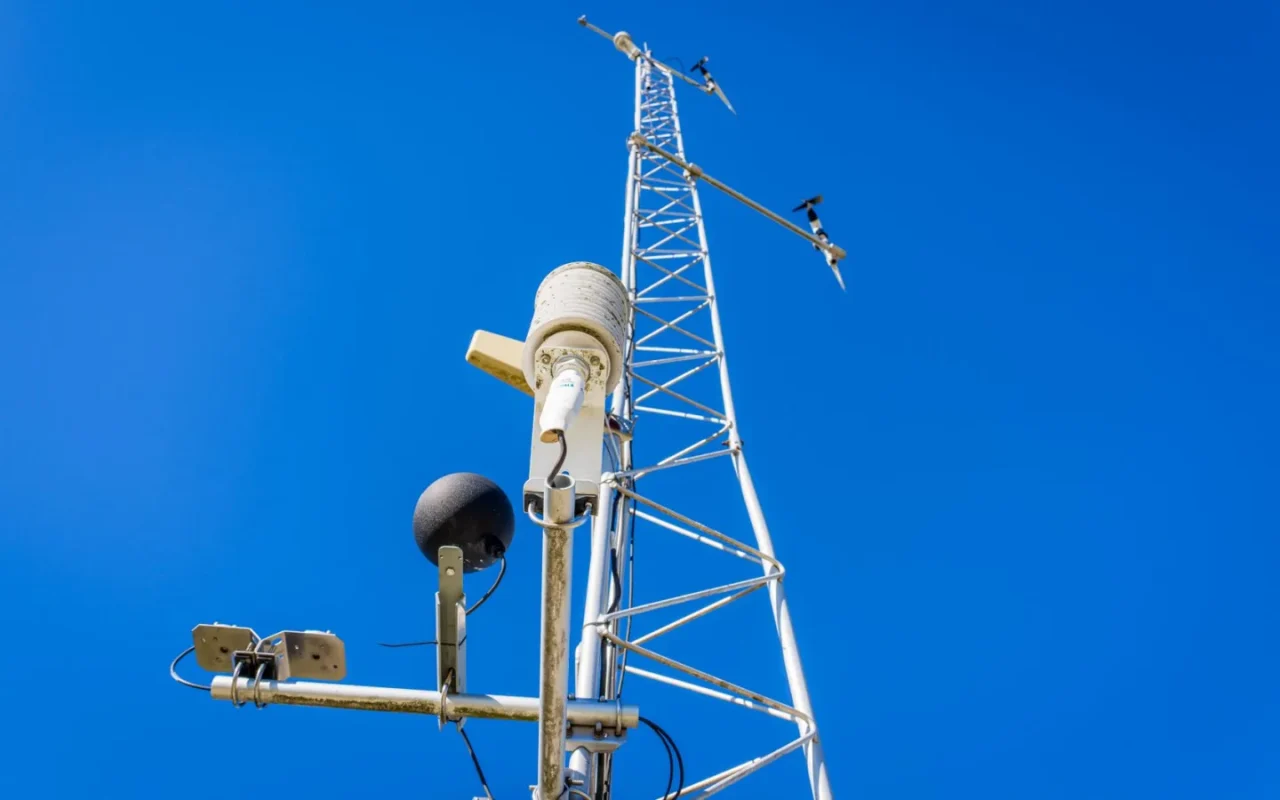
On an RTK setup, the reference antenna is the anchor, and a poorly placed one sabotages the whole system. Mount it as high as the manual allows, clear of the roofline, gutters, and any overhang, ideally on a pole or high wall with sky in every direction. Keep it away from large metal surfaces and other antennas that cause interference. If you recently moved it, even a small shift can force the mower to relearn its position, so give it the settling time the app requests after any change. A rock-solid, high, open antenna position fixes more RTK dropouts than any other single step, so spend real effort getting this right.

Step Three: Map Around the Dead Zones
Some corners simply never get good sky, and no amount of tweaking changes that. Under a mature tree or tight against the house, the mower will keep losing lock. The practical fix is to work with the geometry rather than against it. In the app, set those blind corners as no-go zones or trim them by hand, so the mower is not sent somewhere it cannot navigate. Where a path runs through a narrow, shaded gap, the machine may struggle to cross it reliably. Accepting that a few square feet need manual attention keeps the rest of the lawn running smoothly instead of triggering an error every cycle in the same stubborn spot.
Step Four: Rule Out Weather and Temporary Interference
Not every dropout is your fault. Heavy cloud, a passing storm, and even solar activity can briefly weaken satellite reception, and the mower may pause until the sky clears. If the signal returns on its own an hour later, weather was likely the cause and nothing needs fixing. Wet, heavy foliage after rain blocks signal more than dry leaves, so tree-lined lawns get worse in spring and summer. New construction, a parked truck, or scaffolding next door can also throw a temporary shadow. Before you assume hardware failure, check whether the problem lines up with weather or something new in the surroundings that was not there last week.
GPS Recovery Steps for Wire-Free Mowers
- Walk the lawn and note every spot with blocked sky
- Mount the reference antenna high and clear of the roofline
- Keep the antenna away from metal and other antennas
- Allow the settling time the app asks for after moving it
- Set shaded, boxed-in corners as no-go zones
- Hand trim narrow passages the mower cannot cross
- Check whether dropouts line up with storms or heavy cloud
- Confirm the antenna cable and connector are firmly seated
- Restart the base station and mower, then wait a minute
- Install any pending firmware update through the app
- Verify WiFi or cellular links are stable for corrections
- Re-run mapping or calibration in open sky if needed
Our companion piece, Fixing Robot Mower WiFi and App Connection Issues, picks up where this leaves off.
Step Five: Check Connections, Power, and Firmware
Hardware and software glitches masquerade as signal loss. Confirm the reference antenna has power and that its cable and connector are undamaged and firmly seated, since a loose link kills the correction data the mower relies on. Restart the base station and the mower fully, wait a minute, and let them re-establish the fix. Then open the app and install any pending firmware update, because navigation and satellite handling are exactly the sort of thing manufacturers refine over time. A weak home network can also break the data path on models that route corrections through WiFi or a cellular link, so verify your connection is stable before blaming the sky.
It is worth skimming the fundamentals of robotic mowers for extra context.
Step Six: Recalibrate or Escalate
If placement is good, the weather is clear, and everything is powered and updated but the mower still cannot hold a fix, walk through your model's calibration routine. Many wire-free machines let you re-run the initial mapping or reset the position reference, which clears a corrupted map that keeps sending the mower to the wrong place. Do this in open sky, away from your worst dead zones, so the mower starts from a clean, strong signal. When calibration and every step above fail, the antenna module or GPS receiver may be faulty. Note the exact error, gather your warranty details, and contact support, following the official manual for your specific brand.
Bringing it together
A lost GPS signal feels like a deal-breaker, but it is usually geometry, not a broken mower. These machines need open sky, and the moment a tree, wall, or badly mounted antenna gets in the way, the fix falls apart. Start high: get the reference antenna up and clear, map around the corners that will never cooperate, and rule out weather before you panic. Check the cables, reboot, and update the firmware, then recalibrate only if the map has gone stale. Handle placement well and a wire-free mower navigates beautifully, quietly tracing your lawn while you get on with your day.
If you want to go deeper, our guide to Robot Mower Keeps Getting Stuck? Try This covers the details.