Walking out to an empty charging base is a gut punch. A neighbor of mine found hers gone one Monday, the dock still humming with nothing sitting on it, and her first instinct was to run around the yard looking behind bushes. That is worth doing, because these machines sometimes wander off through a gap rather than getting taken. Once you have ruled out a runaway, though, a stolen robot mower is a small but real crime with a surprisingly good chance of recovery, thanks to the tracking and locks built into most modern units. Here is the order I would work through if it happened to me.
First, Confirm It Was Actually Stolen
Before you assume theft, rule out the boring explanations. A mower can push through a weak spot in a boundary, get carried off by floodwater, or be moved by a family member, a gardener, or a helpful neighbor. Check the app's last known location and activity log first, since it often shows where the mower was when it stopped reporting. Walk the perimeter and look beyond low fences and hedges. Ask anyone with yard access. If the base was unplugged or the wire cut cleanly, that leans toward theft. Confirming the difference matters, because a police report and an insurance claim both depend on you being sure it was taken.
New to this? Start with our overview, Robot Mower Troubleshooting: Fix Common Problems, then come back here.
Check the App for GPS Location and Alerts
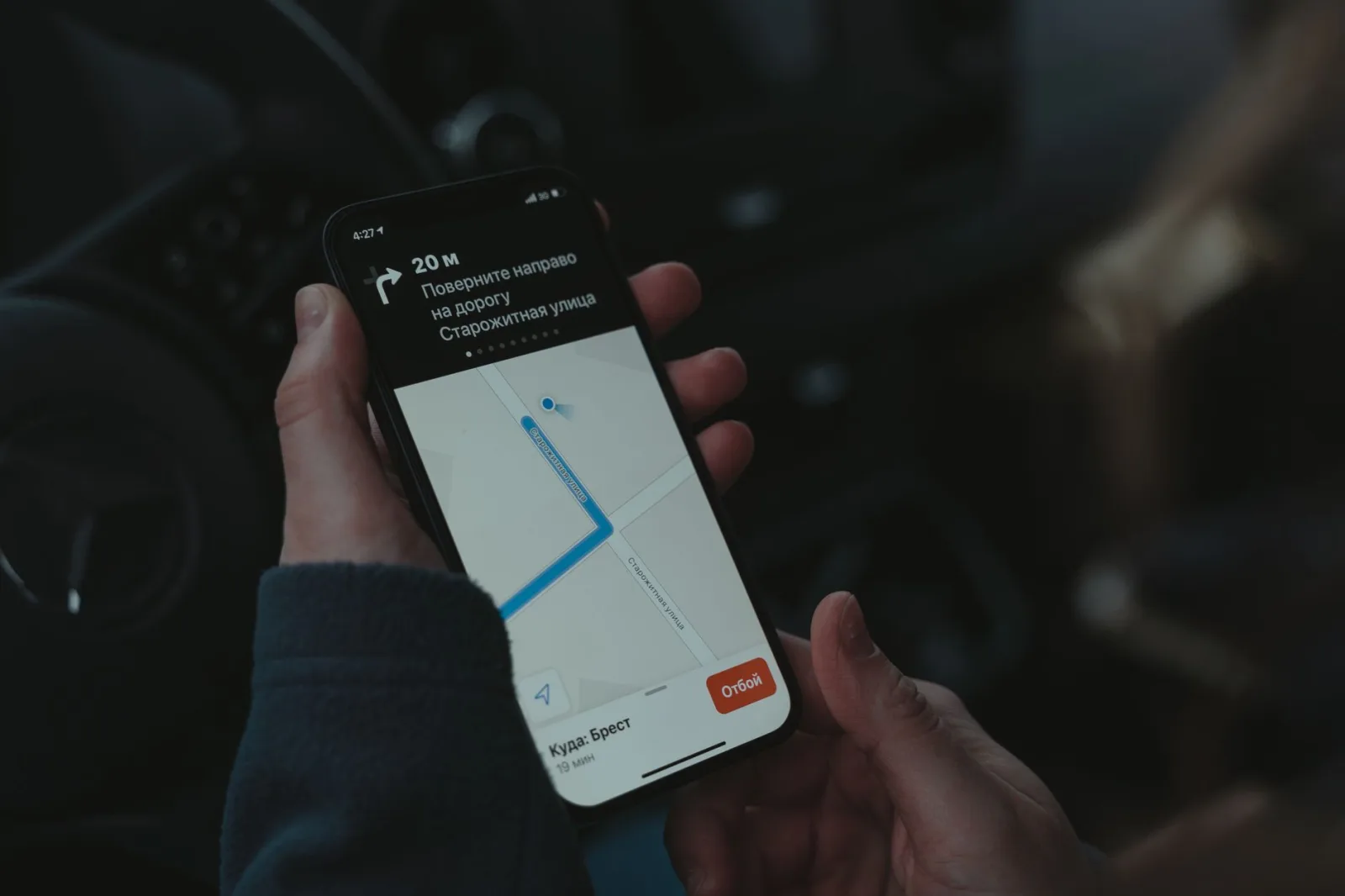
Modern robot mowers, especially mid-range and premium models, carry GPS and a data connection for exactly this moment. Open the app and look for the last reported position, any anti-theft alarm that fired, and whether the unit is still transmitting. Some models keep a low-power connection alive even when the blades are off, giving you a live or recent location on a map. Do not go and confront anyone based on a map pin, since GPS can drift and the reading may be old. Instead, screenshot the location, the timestamp, and any alert, then hand that evidence to the police. Tracking data is far more useful in their hands than yours.
Report the Theft to the Police
File a report promptly, because you will need the case number for insurance and for the manufacturer. Give the police the make, model, and serial number, which you can usually find in the app, on the original box, or on a label under the machine. Include your GPS screenshots, the time the mower went offline, and any camera footage from a doorbell or security cam. A robot mower is a valuable item, often several hundred to a few thousand dollars, so treat it as you would a stolen bike or e-scooter. A documented report also creates a record if the unit later turns up for sale secondhand.
Use the Built-In Locks That Make It Useless
Here is the quiet advantage owners forget: a stolen robot mower is often close to worthless to the thief. Most units use a PIN lock, so the blades will not spin and the machine will not run without your code. Many tie to your account, so it cannot be re-registered or updated without your login, and some trigger a loud alarm when lifted or moved off the lawn. From the app, make sure the PIN and anti-theft features are switched on and, if the option exists, mark the unit as lost or locked. A locked, account-tied mower that screams when moved is a poor prize, which is exactly the point.
Your First-Day Action Plan After a Theft
- Search the yard and perimeter to rule out a runaway mower
- Open the app and note the last known GPS location and time
- Screenshot any anti-theft alarm, alert, or offline timestamp
- Find the serial number in the app, box, or under the machine
- Enable or confirm the PIN lock and lift alarm are active
- Mark the unit as lost or locked in the app if that option exists
- File a police report and get the official case number
- Gather doorbell or security camera footage from the timeframe
- Report the serial number to the manufacturer or dealer
- Check homeowner or renter insurance and your deductible
- Change your account password if you suspect app access
- Photograph the empty dock and any cut wire as evidence
It helps to read this alongside Why Your Robot Mower Won't Leave the Base.
Contact the Manufacturer and Check Your Insurance
Two calls are worth making next. Report the serial number to the manufacturer or your dealer; some flag stolen units so they cannot be activated or serviced, and they can note it if someone tries to register it. Then check your homeowner's or renter's insurance, since a robot mower is often covered as personal property or garden equipment, sometimes even away from the home. You will usually need the police case number, proof of purchase, and the serial. Ask about your deductible before claiming, because for a lower-cost budget unit the excess may be close to the replacement price and not worth a claim.
It is worth skimming lithium-ion battery basics for extra context.
Reduce the Odds of a Repeat
Once the dust settles, harden your setup so it does not happen again. Position the charging base where it is not visible from the street and, if possible, in a spot covered by a security camera or motion light. Many owners fit a ground anchor or a discreet cable lock to the dock overnight. Confirm the PIN lock, GPS tracking, and lift alarm stay enabled, and keep the app updated so those features work. Record the serial number somewhere safe today, before you ever need it. A few cheap steps turn an easy grab into far too much trouble for the average opportunist.
Bringing it together
A stolen robot mower is stressful, but you are rarely as powerless as that empty dock makes you feel. Confirm it was really taken, pull the last location and serial from the app, lock the unit down, and get a police report and insurance claim moving with solid evidence. The very features that felt like extras when you bought it, the PIN, the GPS, the lift alarm, are what put you back in control now. Then spend a quiet weekend hiding the dock, adding a light or anchor, and saving that serial number, so the story does not repeat next season.
If you want to go deeper, our guide to Fixing Robot Mower WiFi and App Connection Issues covers the details.