
The first summer with my robot mower, one back corner stayed noticeably longer than the rest of the lawn, like the machine was politely avoiding it. The cut everywhere else looked great, which is what made the missed patch so puzzling. Missing spots is a coverage problem, and it is worth separating from a bad cut. If the grass the mower does reach looks clean, your blades are fine and the issue is simply that the machine is not getting to every part of the lawn often enough. That is almost always fixable through settings, layout, and a little patience, and this order tackles the usual gaps.
Confirm It Is Coverage, Not Cut Quality
Start by telling the two problems apart. Walk the lawn and look at the grass the mower clearly does cut. If those areas are even and clean while specific patches stay long, you have a coverage gap, not a blade problem. Missed spots tend to cluster in predictable places: tight corners, narrow strips between beds, the far end of a large lawn, and right along edges. Uneven cutting across the whole lawn is a different fault tied to dull blades or cutting height. Once you confirm the cut itself is good, you can stop worrying about blades and focus on why the mower is not visiting certain areas enough.
New to this? Start with our overview, Robot Mower Troubleshooting: Fix Common Problems, then come back here.
Give It More Run Time for the Lawn Size
Robot mowers cover ground by mowing a little and often in a somewhat random or mapped pattern, relying on many overlapping passes to reach everywhere. If the scheduled run time is too short for your lawn size, the far reaches simply do not get visited each cycle. A mower rated for a quarter acre that runs only two hours a day on a lawn near that limit will leave gaps. Increase the daily hours or the number of mowing sessions so the whole area gets covered. As a rule, more frequent shorter runs across the week reach corners better than one long session, since the mower keeps returning from fresh angles.

Fix Narrow Passages and Pinch Points
Random-pattern mowers find narrow strips and corridors by chance, so a slim passage between a shed and a fence can go days without a visit. On boundary-wire models, a corridor narrower than the manual's minimum width may never be entered at all. Check the recommended passage width for your model and widen tight spots where you can, or set up a dedicated passage or corridor mode if the mower offers one. For a truly isolated area reached only through a thin gap, some owners treat it as a separate zone. Opening up pinch points gives the mower a fair chance to wander in and cover what lies beyond.
Handle Edges and Corners the Mower Cannot Reach
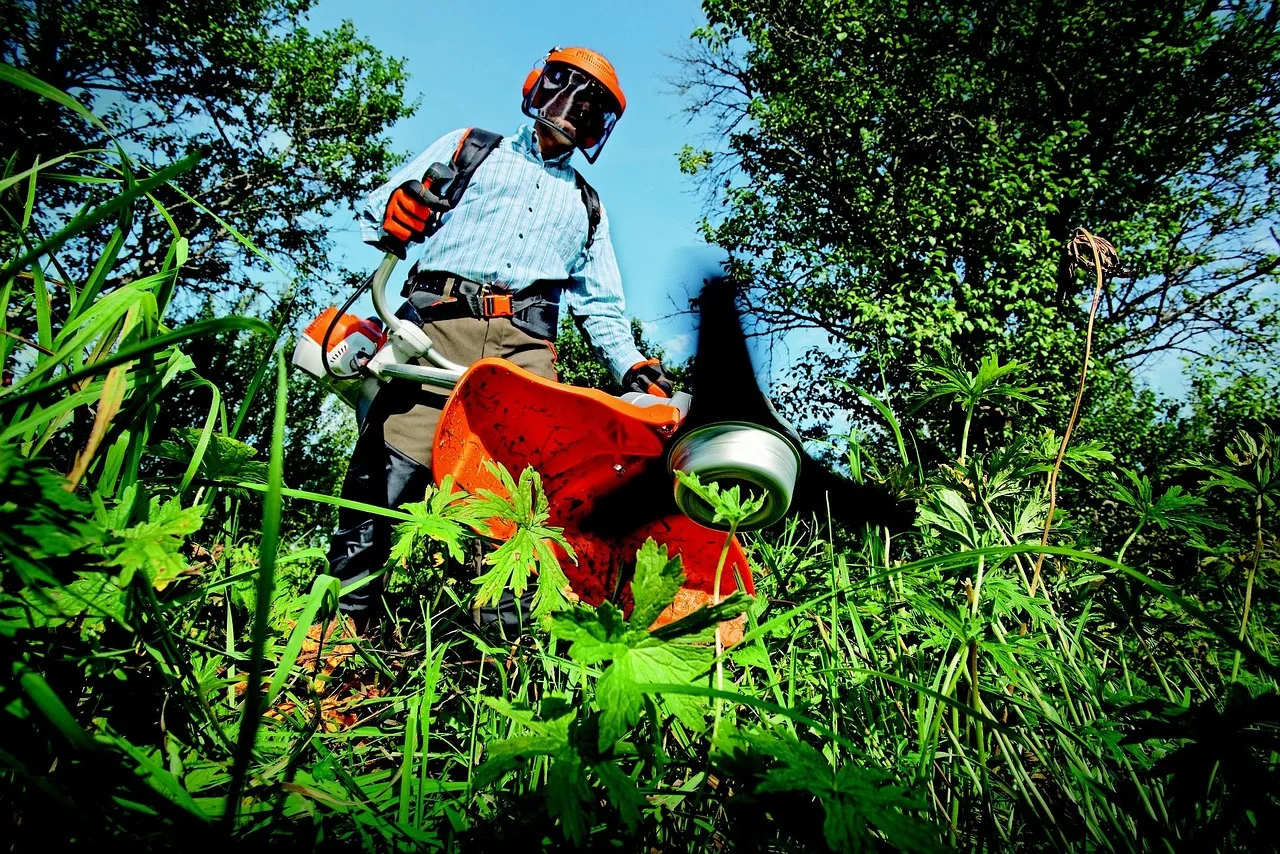
Every robot mower leaves a margin, because the blades sit inboard from the outer edge of the body for safety. That means a strip along walls, fences, and beds, plus the very points of sharp corners, stays uncut no matter how long it runs. This is physics, not a fault. On boundary-wire lawns, setting the perimeter wire the correct distance from hard edges lets the mower run closer, and some models offer an edge-cut or spiral mode. For the rest, a quick pass with a string trimmer every week or two finishes the borders. Rounding off sharp garden corners into gentle curves also helps the mower sweep them clean.
Ways to Close Coverage Gaps
- Confirm cut quality is good where the mower does reach
- Increase daily run time for a lawn near the size limit
- Split mowing into more frequent shorter sessions
- Widen narrow passages below the model's minimum width
- Use a passage or corridor mode for slim strips
- Set the boundary wire the correct distance from edges
- Try an edge-cut or spiral mode if the model has one
- Trim borders and sharp corners with a string trimmer
- Round off sharp garden corners into gentle curves
- Review no-go zones that were drawn slightly too large
- Clear hoses, toys, and furniture before mowing days
- Confirm GPS sky view and remap if coverage stays uneven
This connects neatly with Robot Mower Blade Not Spinning: Causes and Fixes.
Check Obstacles, Zones, and No-Go Settings
Sometimes the mower avoids a spot because you told it to, even without meaning to. Review the no-go zones and virtual boundaries in the app, since one drawn a little too large will shave off nearby grass you wanted cut. Temporary obstacles like a garden hose, a trampoline, toys, or seasonal furniture make the mower steer around an area for days. Loose objects and low-hanging branches trigger bump sensors and turn the machine away before it covers a patch. Walk the lawn before mowing days, clear what you can, and confirm your zone edges sit exactly where you intend. Small mapping tweaks often reopen a whole neglected section.
If you like to read around a topic, see lithium-ion battery basics.
Verify Pattern, Mapping, and a Reset if Needed
If coverage still falls short, look at how the mower plans its route. Wire-free GPS and RTK models mow a mapped pattern, so a weak signal or a map that no longer matches the lawn can leave systematic gaps. Confirm the antenna has a clear sky view and that the saved map covers the full area. On any model, a firmware update can improve coverage logic, so install pending updates through the app. As a last step, some mowers let you remap or recalibrate the lawn, which clears stale mapping errors. Give any change a few days to show, since these machines work by repetition rather than a single perfect pass.
Bringing it together
Missed spots feel like a mystery until you separate coverage from cut quality. If the grass the mower reaches looks clean, the blades are fine and you are simply dealing with access and time. Give the machine enough run time for the lawn, open up the narrow passages, plan on trimming the edges yourself, and check that no zone or stray obstacle is quietly steering it away. Then give your changes a week, because these mowers even out the lawn through repetition rather than one flawless pass. Do that and the shaggy corners fade until the whole lawn looks like it was cut all at once.
This connects neatly with How to Find and Fix a Broken Boundary Wire.