
The side passage down the flank of my house is exactly the width of a shopping trolley, and for a whole spring the mower treated it like a locked door. It would reach the mouth of the gap, hesitate, then turn back to the open lawn, leaving a strip of long grass I mowed by hand out of pure spite. Narrow passages are a known headache, but they are solvable once you understand what the mower needs to see. A tight corridor is not just a wide bit of wire; it usually needs its own routing trick or a passage mode. Here is how to set one up properly.
Step 1: Measure the Real Width
Before anything else, measure the narrowest point of the passage, not the average. Include the boundary wire clearance you will lose on each side, because the usable channel is far tighter than the grass looks. As a rough guide, most robot mowers need a passage at least about 3 feet, roughly one meter, of clear grass to pass comfortably, though some cope with less and a few need more. Check your manual for the minimum corridor width, since it varies by model and wheelbase. If the gap is below the stated minimum, no setup trick will force the mower through, and you plan to mow that strip another way.
New to this? Start with our overview, How to Install a Robot Lawn Mower Step by Step, then come back here.
Step 2: Decide Between a Loop and a Single Track
In a wide lawn the wire loops around the perimeter with the mower roaming between the edges. A narrow passage is too tight for that. Instead, you often run the wire so the mower follows a single track down the middle of the corridor, guided by the two boundary wires sitting close on either side. Some models have a dedicated passage or corridor setting in the app that tells the machine to drive straight through a defined narrow zone rather than trying to zigzag. Read whether your model expects a physical single-track wire, a software passage mode, or both, then set it up that way.
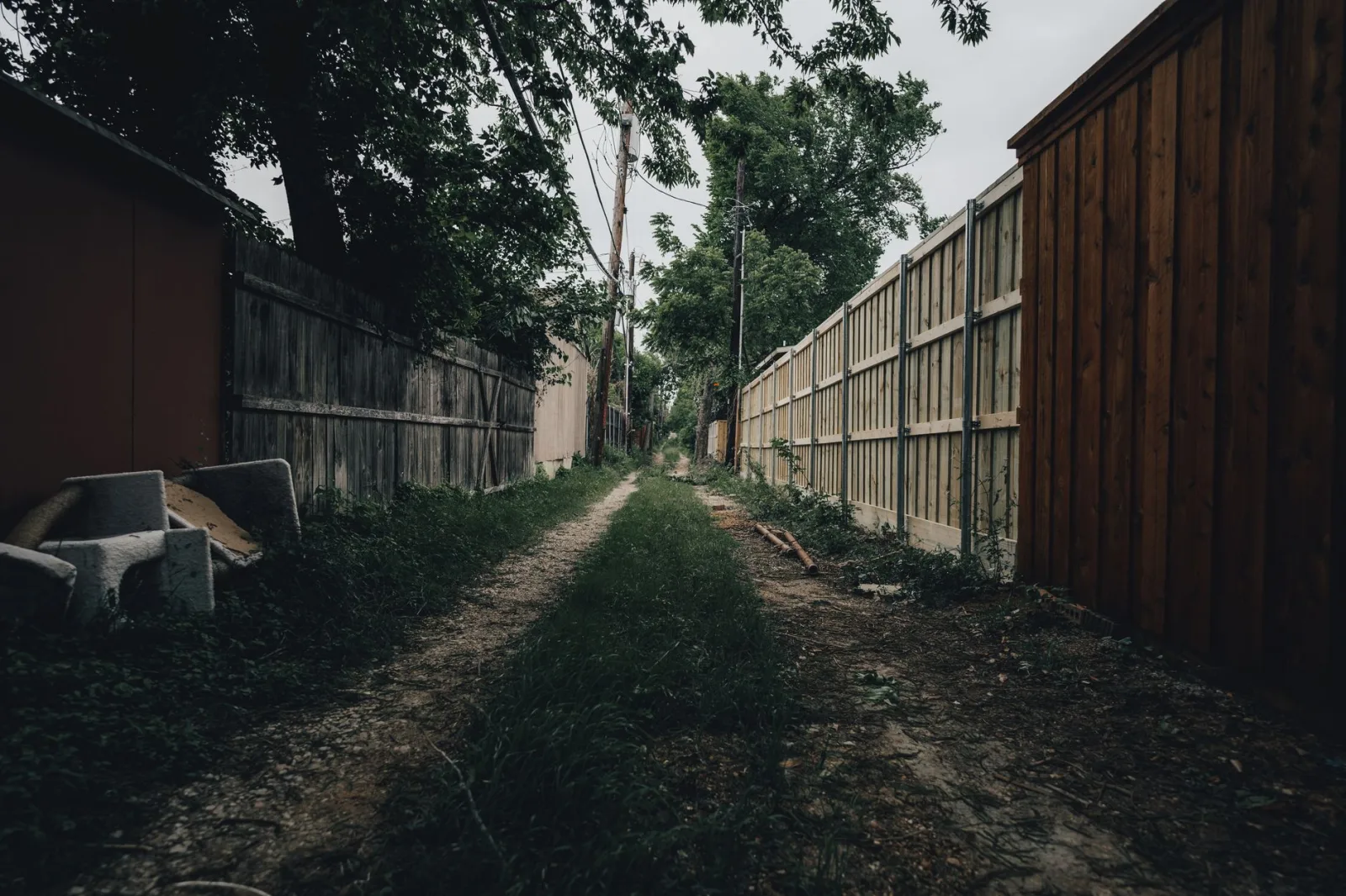
Step 3: Enable Passage or Corridor Mode
If your mower offers a passage mode, this is the step that finally opens up the side yard. In the app you define the narrow section and set how the mower should behave: usually it drives in a straight line through the corridor to reach the lawn beyond, then resumes its normal random pattern. You often set a maximum passage width and how frequently the mower should still cut the corridor itself. Without this mode, some machines see a narrow gap as a dead end. Turning it on, and confirming the corridor dimensions match your measurements, is what stops the mower giving up at the mouth.
Step 4: Keep the Wire Runs Parallel and Snag-Free
Inside the passage the two wire runs need to stay parallel and evenly spaced, or the mower wanders and clips the edges. Peg the wire firmly here, since a corridor sees a lot of back-and-forth traffic that can drag loose pegs. Remove anything that narrows the channel further: a coiled hose, a leaning rake, a stray plant pot. Trim back overhanging shrubs that brush the mower and confuse its bump sensors. A clean, straight corridor with taut, parallel wires is what lets the machine treat the passage as a simple road rather than an obstacle course.
Narrow Passage Setup Steps in Order
- Measure the narrowest point, not the average width
- Subtract the wire clearance lost on both sides
- Check the model's minimum corridor width in the manual
- Choose a single-track wire route through the corridor
- Enable passage or corridor mode in the app if available
- Set the passage dimensions to match your measurements
- Keep the two wire runs parallel and evenly spaced
- Peg the corridor wire firmly against heavy traffic
- Clear hoses, pots, and overhanging shrubs from the gap
- Run the mower several times and watch for snags
- Adjust wire position until it glides through cleanly
- Plan a separate zone or hand-trim if the gap is too tight
You will find more on this in Installing a Robot Mower on a Sloped Lawn.
Step 5: Watch the First Runs and Adjust
Now test before you commit anything permanently. Send the mower toward the passage and watch it several times, because a passage that works once can still snag on the third pass. Look for wheels catching an edge, the machine hunting left and right, or it stopping just inside. If it clips a side, widen the effective channel by shifting a wire in a touch. If it refuses to enter, recheck the passage-mode dimensions. Only once it glides through cleanly on repeated tries do you peg the wire down hard or bury it. This patience is what turns a spiteful hand-mowed strip into an automated one.

If you like to read around a topic, see how RTK satellite positioning works.
Step 6: Handle Passages That Are Simply Too Tight
Sometimes the gap loses the argument. If the corridor is below your model's minimum even after clearing clutter, you have honest options rather than a failed install. You can treat the far lawn as a separate zone with its own small setup, carry the mower across occasionally, or leave that narrow strip for a quick pass with a strimmer. A few owners widen the usable grass by moving a border or a pot permanently. None of these is a defeat; matching your expectations to the mower's real reach keeps you happy with the machine overall.
A final word
A tight passage is one of the few genuine puzzles in robot mowing, and it usually has a tidy answer. Measure the real width, run the wire as a single track, and switch on passage mode so the machine treats the gap as a road instead of a wall. Keep the corridor clear and the wires parallel, then let repeated test runs prove it before you commit. When a gap truly cannot be won, a separate zone or a quick hand-trim keeps you happy. Sort the passage once and that awkward side yard finally joins the rest of the lawn on autopilot.
You will find more on this in How to Connect a Robot Mower to WiFi and the App.