I learned how not to clean a robot mower the hard way, aiming a garden hose at the underside and spending the next week chasing a soggy sensor fault. These machines shrug off rain, but a direct blast of water is a different animal entirely. Cleaning one properly is easy and quick once you know where water belongs and where it absolutely does not. The goal is to lift off caked grass and grime so the mower cuts evenly and its sensors read clearly, without ever forcing moisture past the seals. Here is the method I use now, step by step, that keeps the machine happy.
Power Off Before You Touch a Thing
Every cleaning session starts the same way: shut the mower down completely and take it off the charging base. Do not settle for a paused state, since a scheduled start or an app command could wake it while your hand is near the blades. Use the main power switch and engage the PIN lock if your model offers one. Confirm the status light or app shows the machine is fully off. This one habit turns a routine wipe-down into a genuinely safe job. With small sharp blades in play, treating the shutdown as non-negotiable is simply how you keep all ten fingers.
New to this? Start with our overview, Robot Mower Maintenance: The Complete Guide, then come back here.
Brush the Top Shell and Body
Start with the easy part while the mower sits upright. A soft brush or a dry cloth clears loose clippings, dust, and pollen off the top shell, around the buttons, and along the display or bumper. For stuck-on grime, a cloth dampened with plain water works fine; skip solvents and harsh cleaners that can cloud the plastic or damage seals. Pay attention to the seams and around the rain sensor, where debris likes to gather. This weekly brush takes two minutes and stops grass from building into the hard crust that makes deeper cleaning a chore later on.
Flip It and Clear the Cutting Deck
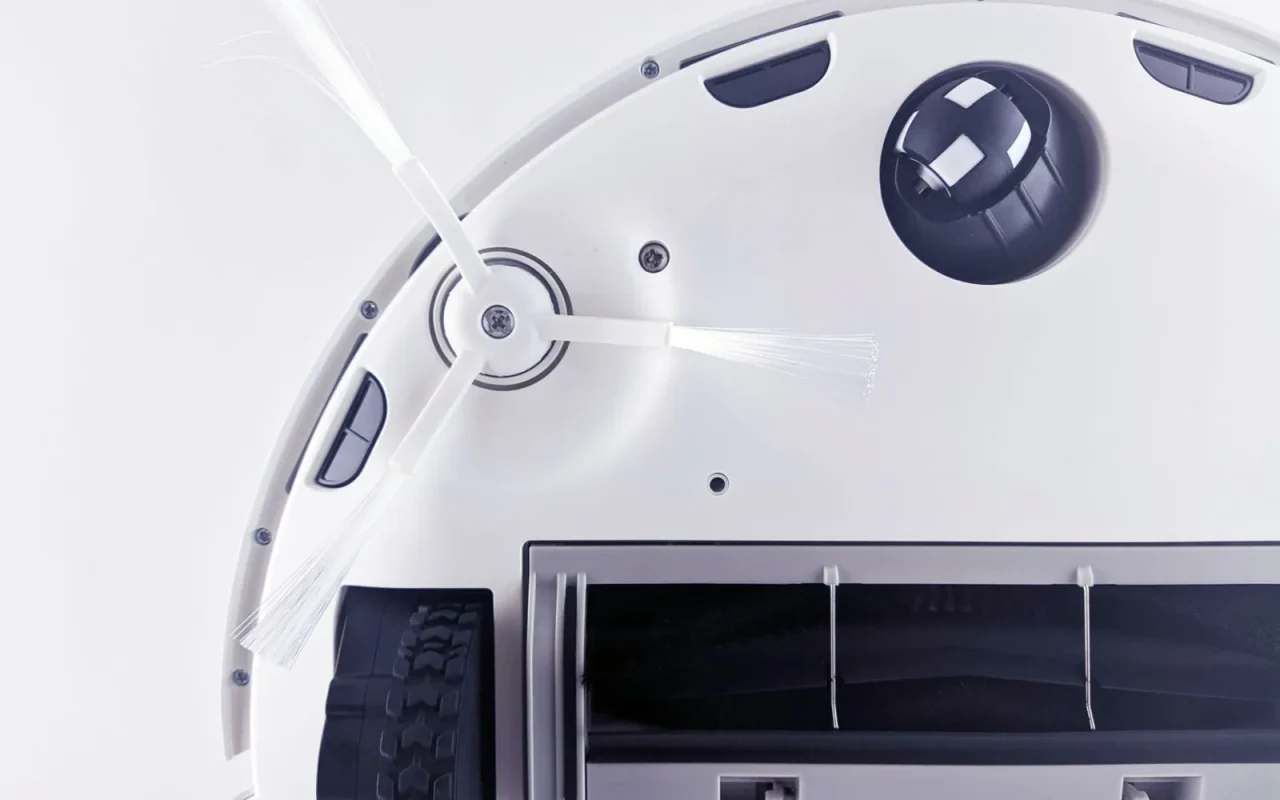
The underside is where the real grime lives. Turn the mower upside down onto a towel or soft grass to protect the shell and sensors. With gloves on, use a plastic scraper and a stiff brush to lift packed grass off the cutting deck and around the blade disc. Avoid metal scrapers, which gouge the plastic and can nick the blades. Work the debris out of the disc area gently so you do not bend a blade. Damp, hardened grass here is the main cause of uneven cutting and a straining motor, so a thorough scrape every few weeks pays off directly in cut quality.
Where Water Belongs and Where It Does Not
This is the step that saves machines. Never use a pressure washer or a direct hose stream, because forced water drives past the seals into the battery bay, motor, and electronics. A damp cloth and a soft brush handle everything safely. If your manual specifically permits a gentle rinse, keep the flow light and aimed at the deck, never at the top vents, charging contacts, or sensor windows. Dry the machine before it goes back on the base. When in doubt, treat the mower as splash-resistant rather than waterproof, and let cloths and brushes do the cleaning work instead of a hose.
Safe Robot Mower Cleaning Checklist
- Power off fully and remove the mower from its base
- Engage the PIN lock and confirm the machine is dead
- Put on gloves before reaching near the blades
- Brush loose clippings off the top shell and bumper
- Wipe stuck grime with a cloth dampened in plain water
- Flip the mower onto a towel to protect the shell
- Scrape packed grass off the deck with a plastic scraper
- Never use a pressure washer or direct hose stream
- Wipe the charging contacts on the mower and base
- Clear grass from the wheel treads and wipe sensor windows
- Dry every damp area before returning to the base
- Run a short test cycle and log the cleaning date
It helps to read this alongside Robot Mower Battery Care and Longevity.
Wipe Contacts, Wheels, and Sensor Windows
A few small spots reward a quick wipe. The metal charging contacts on the mower and base can build up grime or light oxidation that interrupts charging, so a dry cloth or a gentle rub keeps them bright. Clear grass from the wheel treads with a brush so the mower keeps grip on slopes. Wipe the clear sensor windows and the rain sensor with a soft cloth, since a film of dust can confuse the machine's reading of its surroundings. These parts take under a minute combined, and neglecting them is behind a surprising number of the nuisance faults owners report.
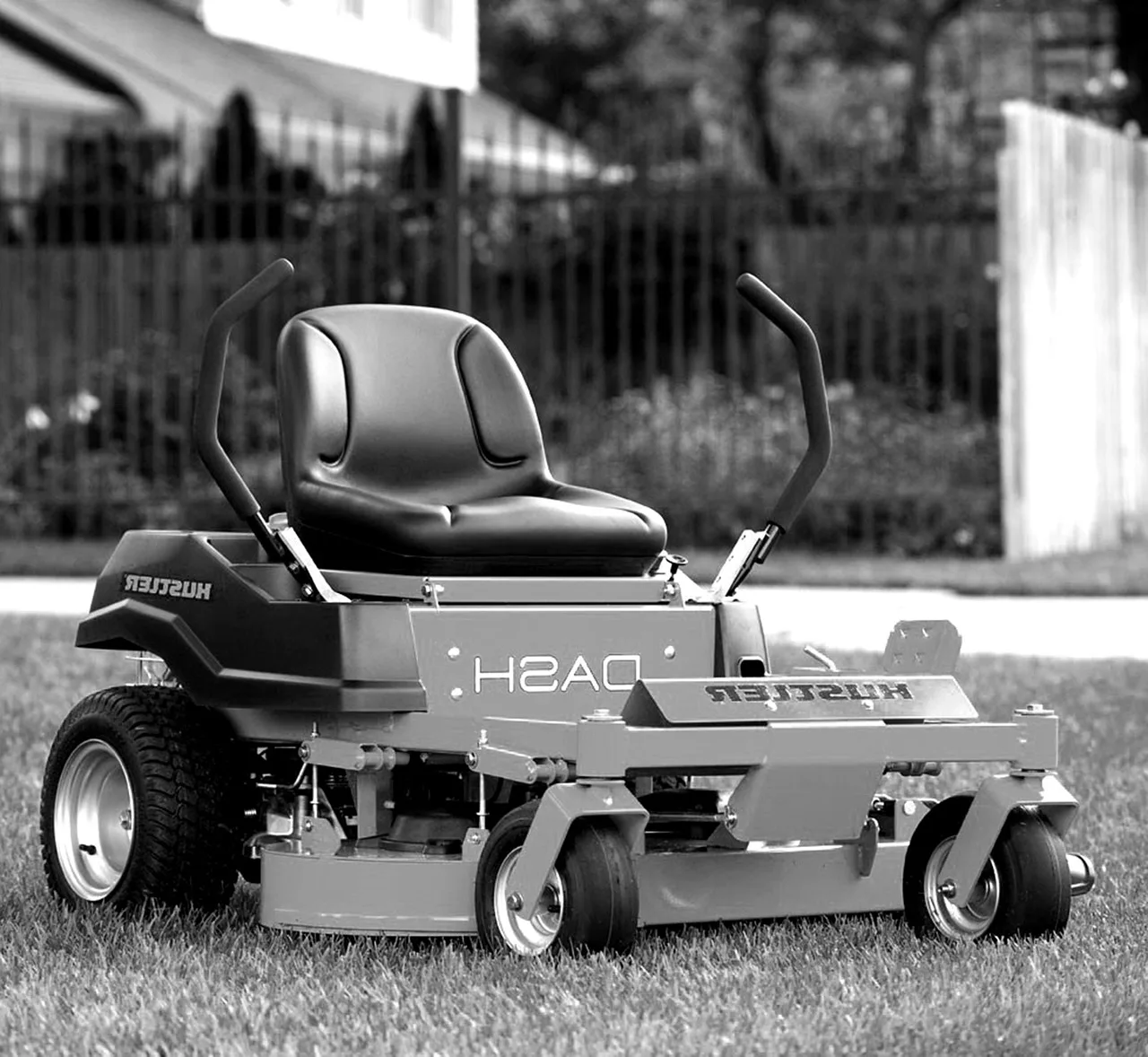
For broader background, general lawn mower mechanics is a solid reference.
Dry, Reassemble, and Test
Before the mower goes anywhere near power, make sure it is dry, especially the underside and any spot you dampened. Flip it upright, give the shell a final wipe, and return it to the charging base. Watch that it docks cleanly and the charge light comes on, which confirms the contacts are doing their job. Run a short test cycle and check that the cut looks even and the machine tracks normally. Log the deep clean with a date so you can space the next one sensibly. A clean, dry, freshly docked mower is one that will not surprise you mid-season.
Putting it into practice
Cleaning a robot mower comes down to two rules: kill the power first, and keep forced water away from the electronics. Everything else is a soft brush, a plastic scraper, and a damp cloth working through the shell, the deck, the contacts, and the sensor windows. Do the quick weekly brush and a deeper flip-and-scrape every few weeks, and the machine rewards you with an even cut and fewer nuisance faults. Skip the hose, respect the seals, and dry it before docking. A clean mower is not just a tidy one; it is the one that quietly keeps working while the neighbors wrestle their push mowers.
Many readers move on to How to Keep Robot Mower Charging Contacts Clean next.