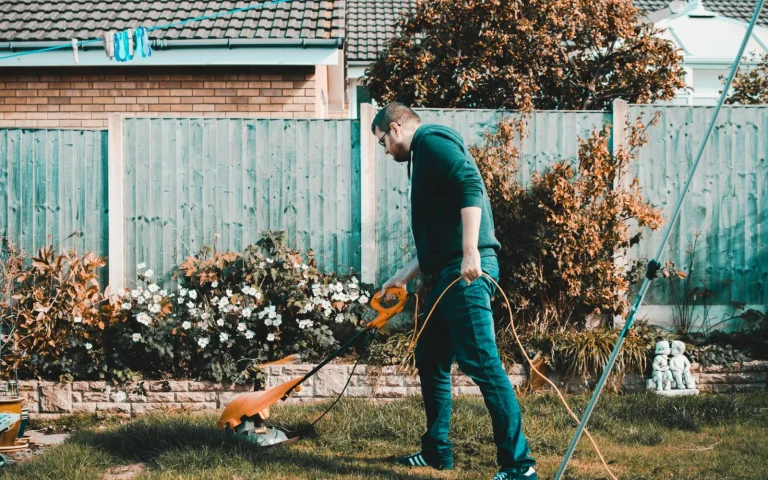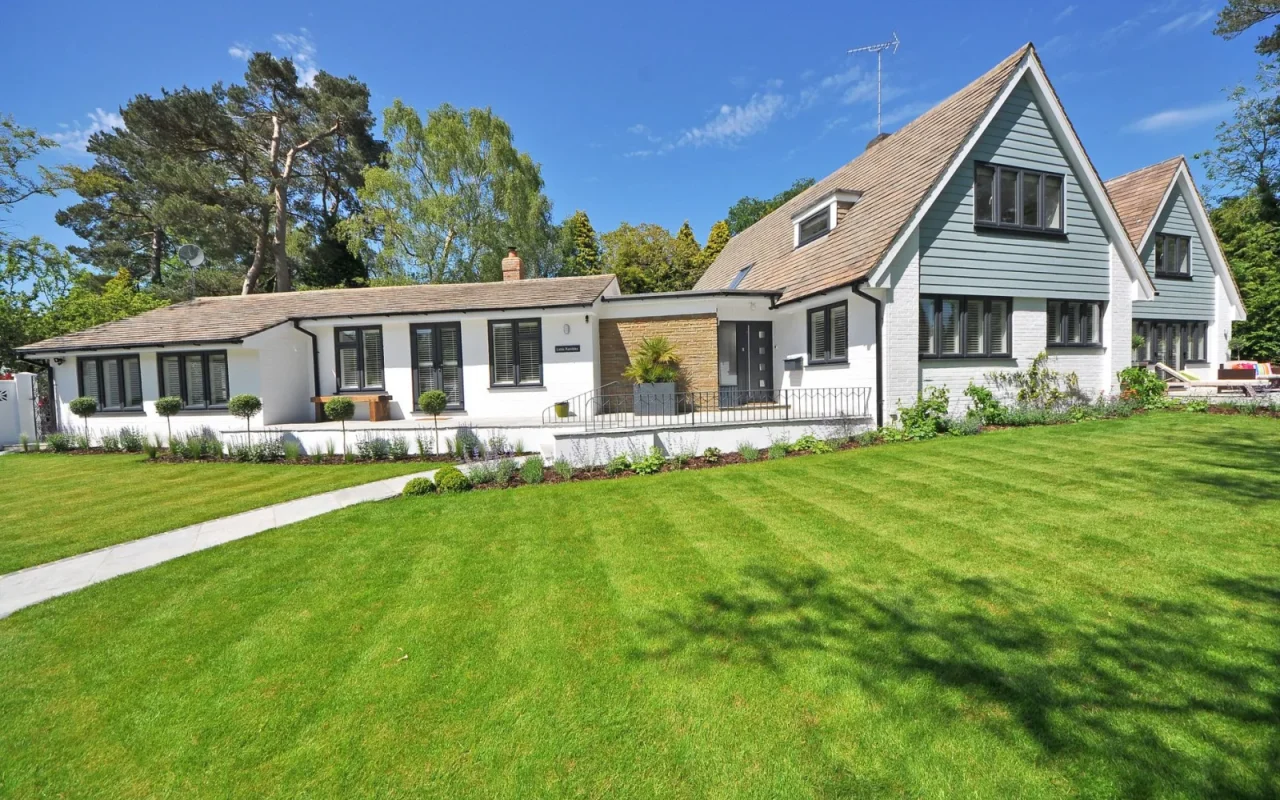
A lot of homes have grass in two places that never touch: a big back lawn and a smaller front strip cut off by a driveway or a fence. Owners often assume this means buying two mowers. It usually does not. With a bit of planning, a single robot mower can cover a detached second lawn, either by carrying it over or by using a model that supports separate maps. I set this up for a friend last spring, and once the routine clicked, both lawns stayed tidy from one machine. Here is exactly how to do it.
Step One: Confirm What Your Model Supports
Before you lay a single peg, check the manual or app for multi-area capability. Boundary-wire models generally treat each wired loop as its own island, and a mower cannot cross a driveway to reach a separate loop on its own. Wire-free GPS models sometimes store more than one map, which lets you switch areas in the app. Knowing which camp your machine falls into decides everything that follows. If the spec sheet mentions secondary areas, transport mode, or multiple maps, you are in good shape for a two-lawn plan without buying a second machine.
For the bigger picture, our main guide How to Install a Robot Lawn Mower Step by Step sets the scene.
Step Two: Wire or Map the Second Area
Treat the second lawn as its own small project. For a boundary-wire model, peg a complete perimeter loop around the detached area exactly as you did the main one, keeping the manual's spacing from beds and paths. For a GPS model, walk the second lawn's outline in the app to record a new map. Either way, this area needs its own defined boundary so the mower knows exactly where the grass starts and stops. Take your time on corners and narrow spots, since a rushed wire route here causes the same missed edges and stuck mower calls you would get anywhere else on the property.
Step Three: Decide on Power and a Base
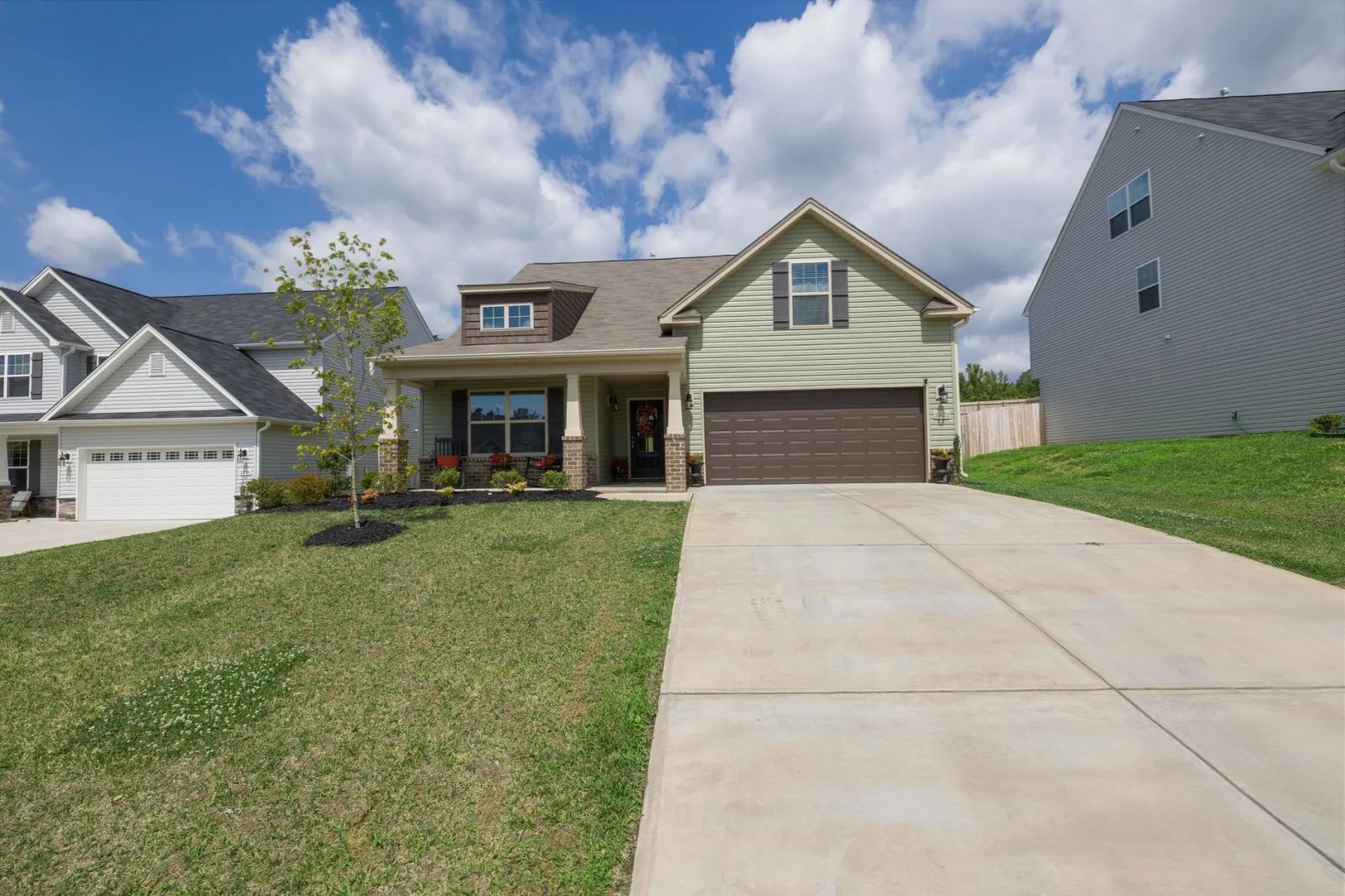
The second lawn needs a charging plan. The simplest approach is a second charging base wired to a nearby outlet, so the mower can dock and top up while it works that area. If running power to the front is impractical, you can skip a second base and rely on carrying the mower back to the main dock between sessions, as long as the second lawn is small enough to finish on one charge of roughly 60 to 120 minutes. Weigh the cost of a spare base against the daily effort of hauling the machine back and forth.
Step Four: Move the Mower Between Lawns
Most owners of a single mower simply carry it over. Pick the machine up using the handle, mind the blades underneath, and set it down inside the second lawn's boundary. Many models have a transport or spot mode that tells the mower to work its current area rather than hunt for its home base. On a GPS model, switch to the second map first. Lifting the mower trips the safety sensor and stops the blades instantly, so transport is safe as long as you grip it properly and keep your hands clear of the cutting deck.
Second Lawn Setup Checklist
- Confirm your model supports multiple areas or maps
- Measure the second lawn's square footage
- Lay a complete boundary loop or record a new GPS map
- Keep the manual's spacing from beds, paths, and fences
- Decide on a second charging base or manual transport
- Find a nearby outlet if adding a second dock
- Learn your model's transport or spot-mow mode
- Practice lifting the mower safely by the handle
- Block dedicated schedule slots for each lawn
- Set reminders if you move the mower by hand
- Run a supervised first session on the new area
- Adjust the wire or map to fix any missed spots
It helps to read this alongside How to Schedule a Robot Mower the Right Way.
Step Five: Set a Schedule That Fits Both
Two lawns share one machine, so the calendar has to give each its turn. Estimate how long the mower needs on each area based on square footage, then block out days or time windows for each in the app. A common pattern is the main lawn on most days and the second lawn on one or two dedicated slots per week. If you carry the mower manually, set reminders so you actually move it on schedule. The goal is steady, little-and-often cutting on both patches rather than one lawn getting all the attention.
It is worth skimming how RTK satellite positioning works for extra context.
Step Six: Test, Watch, and Adjust
Run a full session on the second lawn while you watch. Look for spots the mower skips, edges it cannot reach, and any corner where it bumps and reverses too often. Nudge the wire a few inches or re-draw a map segment to fix trouble areas. Check that it either docks at the second base or waits sensibly when the battery runs low. After a week of observation you will know whether the routine holds or needs tweaking. Small adjustments now save you from a patchy front lawn the neighbors notice.
One last thing
Two lawns from one mower is more achievable than most owners expect, and it saves the cost of a second machine. The keys are a proper boundary or map for the detached area, a sensible power plan, and a schedule that gives each lawn its fair share of cutting time. Carrying the mower over is quick once it becomes routine, and a second base removes even that small chore. Watch the first few sessions closely, fix the missed corners early, and you will have both patches looking neat with a single machine doing all the work.
Our companion piece, How to Connect a Robot Mower to WiFi and the App, picks up where this leaves off.