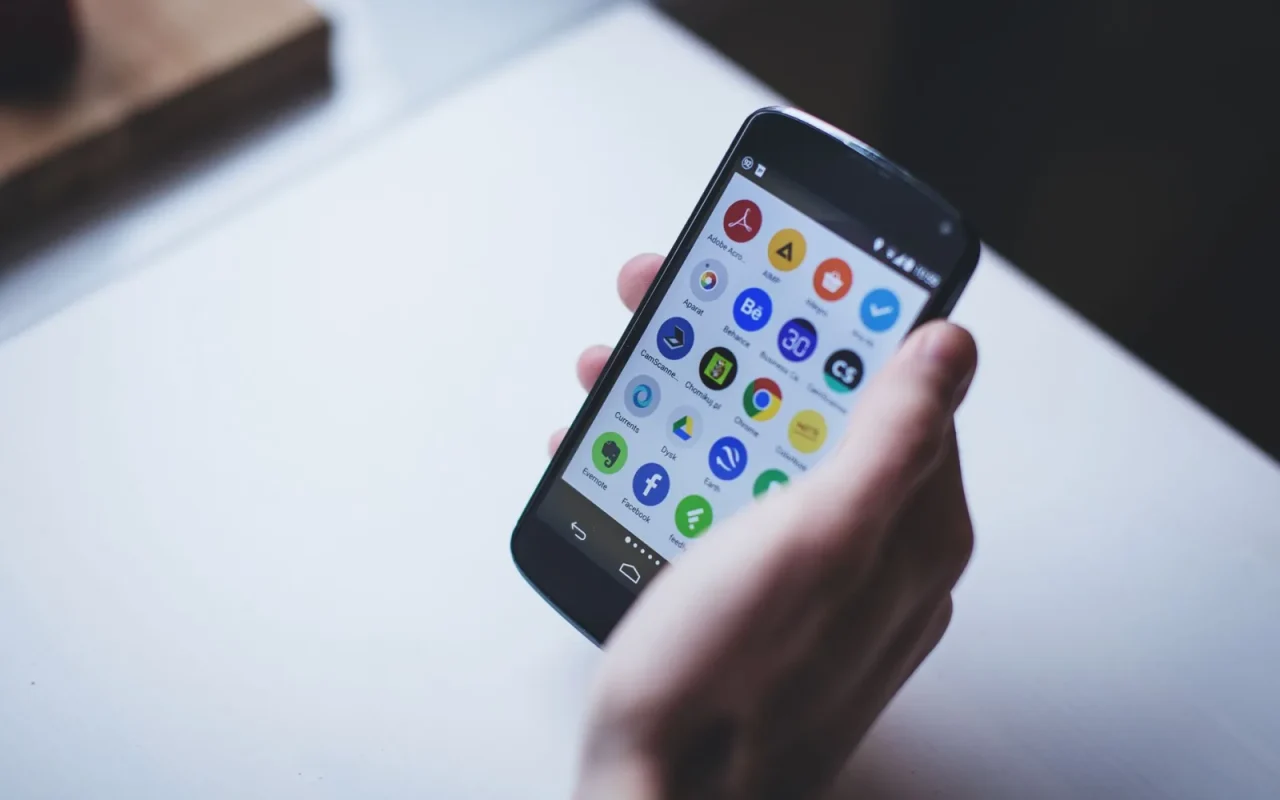
People assume the app runs the whole show. They picture steering the mower around the yard like a video game, or drawing a fresh boundary from the couch. The reality is more modest and, honestly, more useful once you understand it. The app is a remote and a dashboard, not a joystick or a magic wand. Knowing exactly where its abilities stop saves you from disappointment and from blaming the software for things it was never built to do. Let me walk you through the honest boundaries, feature by feature, in plain terms.
What the App Handles Well
The everyday jobs are where these apps shine. You set which days and hours the mower runs, pause a session, and send the machine back to its dock with a tap. Most apps show battery level, current activity, and a log of recent mowing. You get push alerts when the mower reports an error or finishes for the day. On connected models you can do all this from anywhere, not just at home. This dashboard role is the app's true job, and a good one performs it smoothly enough that you rarely think about it.
New to this? Start with our overview, Robot Mower Smart Features Worth Paying For, then come back here.
Mapping and Zones You Can Adjust
On wire-free GPS models, the app is where you draw and edit the lawn map. You can add no-go zones around a flower bed, save separate areas like a front and back lawn, and tell the mower to prioritize one zone. This is genuinely powerful, but it is not instant. Mapping usually happens once during setup, sometimes by walking the perimeter with the mower, and edits take effect on the next run rather than mid-mow. Boundary-wire models rely far less on the app for mapping, since the physical wire does that work instead.
Notifications and Remote Monitoring
A well-built app keeps you informed without hovering. It tells you when the mower is stuck, when a blade error trips, when charging finishes, and sometimes when it rains. This monitoring is where the app earns its place, because catching a stuck mower early saves the grass from growing patchy while you are away. What it cannot do is fix the problem for you. It reports that the mower is jammed near the patio, then waits for you to walk out and free it. Think of it as an attentive messenger, not a repair crew.
What the App Cannot Do
Here is where expectations need trimming. You generally cannot drive the mower step by step like a toy car, since these machines navigate themselves and only accept high-level commands. You cannot magically extend coverage beyond the physical boundary wire or mapped area. The app will not sharpen blades, clear a jam, or improve a weak WiFi signal at the edge of the yard. It also cannot override safety stops; if the lift sensor trips, no button in the app forces the blades to spin. These limits are by design and, frankly, they are the safe choice.
App Powers Versus App Limits
- Can set and edit mowing schedules in seconds
- Can pause, start, and send the mower home remotely
- Can show battery, status, and mowing history
- Can draw no-go zones on GPS mapped models
- Can push alerts for errors, rain, and low battery
- Cannot manually drive the mower around obstacles
- Cannot extend coverage past the wire or mapped area
- Cannot clear a jam, sharpen blades, or fix hardware
- Cannot override lift, tilt, or safety cutoffs
- Cannot rescue a mower stuck out of signal range
- Cannot guarantee flawless WiFi at a yard's far edge
- Cannot replace reading the official manual for setup
This connects neatly with How Robot Mower GPS Tracking Works.
Connectivity Quirks to Expect
Apps depend on a connection, and connections wobble. A mower parked at the far corner of a large yard may sit outside reliable WiFi range, so a small outdoor extender often helps. Some models fall back to Bluetooth for close-range control, which works in the garden but not from the office. After a phone operating system update, an app can act glitchy until you reinstall it. None of this is unusual, and a little patience with the plumbing keeps the smart features feeling smart rather than flaky over a full season.
For broader background, the technology inside robotic mowers is a solid reference.
Choosing a Model by Its App
Since the app is what you touch daily, judge it before you buy. Read recent app-store reviews for the specific model, not just the brand, because quality varies across a lineup. Look for frequent updates, a clear layout, and remote cloud control if you want off-site access. A brilliant mower saddled with a clunky app becomes a daily irritation, while a modest machine with a clean app is a pleasure to live with. I weigh the software almost as heavily as the cutting hardware now.
Managing Multiple Users and Shared Access
Households rarely have just one person who touches the mower, and the app side of that is worth setting up early. Many apps let you invite a second account, so a partner can pause the machine before a backyard party without borrowing your phone. Check whether the brand offers true multi-user access or only a single login that everyone shares, because a shared password gets awkward fast when someone moves out or a housesitter needs temporary control. A few systems support tiered permissions, giving a guest the ability to stop and start but not to redraw zones or change the PIN. If you hire a lawn service, this matters even more. Set up their access as a limited role, then revoke it cleanly when the contract ends, rather than handing over your main account and hoping they forget the details.
Bringing it together
Treat the app as a smart remote and a status board, not a substitute for the physical setup or a way to drive the mower by hand. Once you accept those boundaries, the software becomes genuinely helpful: it schedules, it alerts, it lets you nudge the machine home from across town. The buyers who feel let down are usually the ones who expected a joystick. Set your expectations to match what the app really does, weigh its quality as seriously as the hardware, and the connected side of ownership will feel like an asset rather than a source of small daily annoyances.
For a closer look, see Connecting a Robot Mower to Your Smart Home.