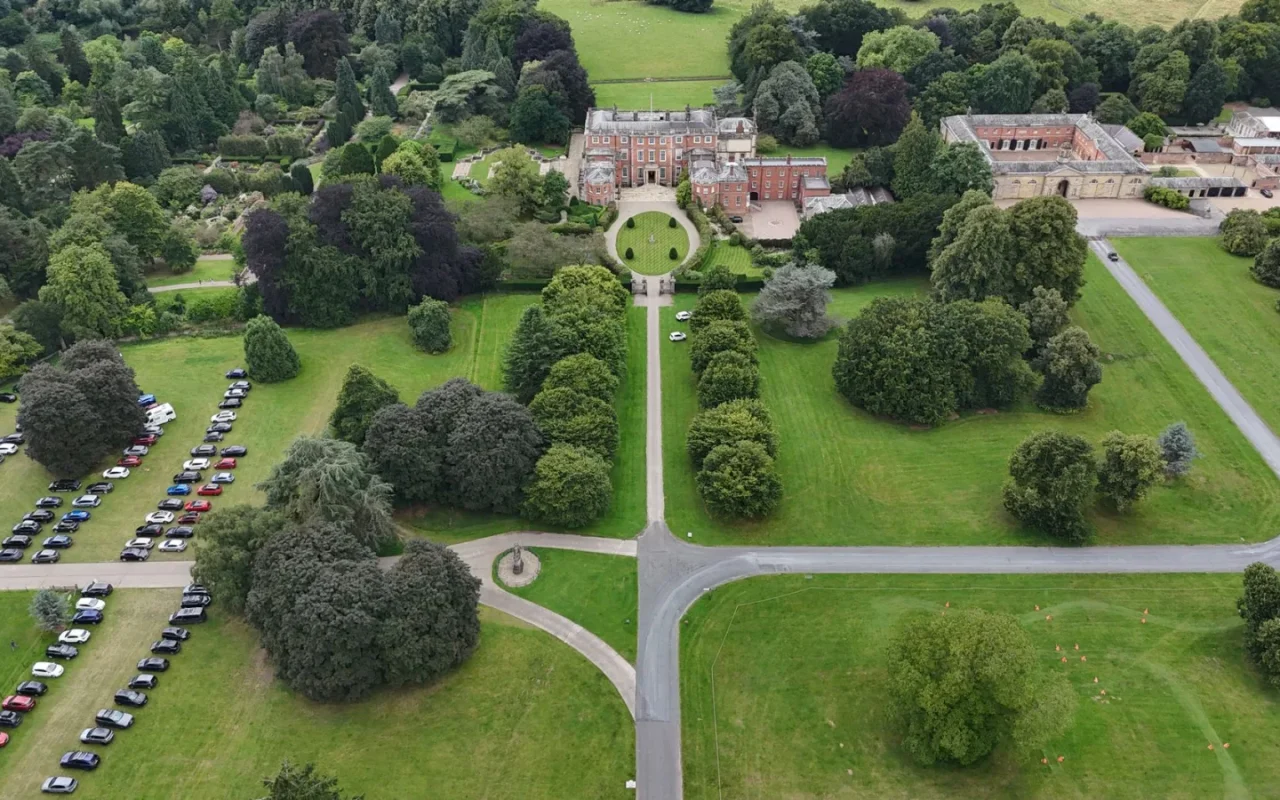
My yard is not one lawn. It is a front strip that browns in summer, a shaded side passage the width of a wheelbarrow, and a big sunny back garden that grows twice as fast as anything else. For years I mowed all three as if they were the same, which is exactly why none of them looked right. Smart zones fixed that. By splitting the yard into mapped areas, each with its own cutting height and schedule, the mower finally treats every patch on its own terms. This guide walks through how zones and lawn maps work and how to set them up so they actually help.
What a Lawn Map Really Is
A lawn map is the mower's internal picture of where it may go. On wire models, that picture is defined physically by the boundary loop and any island wires around beds. On GPS and RTK models, it is a digital outline you draw in the app by tracing the perimeter and marking no-go areas. Either way, the map answers one question: what counts as lawn. A good map hugs the real grass, keeps a sensible buffer from beds and walls, and excludes ponds, patios, and tree roots. Everything smart the mower does, from scheduling to zone rules, sits on top of this map, so getting it accurate is the foundation for the rest.
If you are just getting oriented, Robot Mower Smart Features Worth Paying For is the best place to begin.
How Zones Differ From a Single Boundary
A single boundary tells the mower where the lawn ends. Zones go further by dividing that lawn into named areas you can treat differently. Front, side, and back might each become a zone. The point is control: you can send the mower to the fast-growing back garden more often, raise the blade on the drought-stressed front, and skip the soggy side after rain. Not every model supports true zones, and cheaper ones may only offer a main area plus a couple of secondary spots. On capable units, zones turn one blunt schedule into several tailored ones, which is where the technology starts to earn its keep.
Setting Up Zones the Right Way
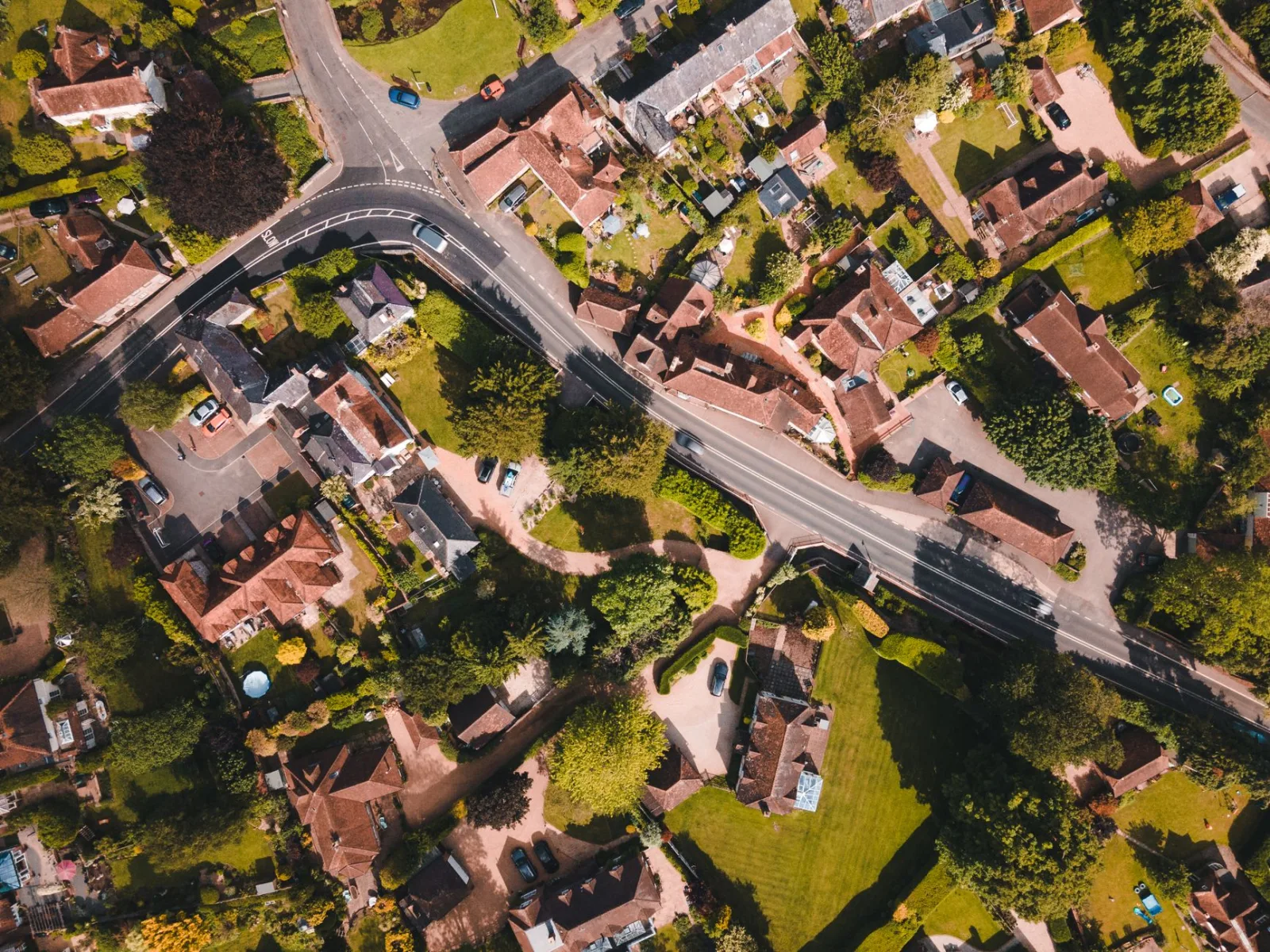
Start by walking your yard and noting where the grass genuinely behaves differently: sun versus shade, fast versus slow, wet versus dry. Those natural divisions make the best zone borders. In the app, draw or select each zone and give it a clear name so future-you understands the map. Assign a cutting height and frequency that suits each area rather than copying one setting everywhere. Keep zone borders a little inside real transitions so the mower does not clip a bed edge. Then run a test mow per zone and watch the first pass. Small corrections now save weeks of re-editing once the schedule is live.
Connecting Separate Lawn Areas
Many yards have a main lawn and a detached patch, like a front garden reached only across a driveway or path. Wire models handle this with a guide wire and a narrow passage, or by treating the second area as its own zone you occasionally carry the mower to. RTK and GPS models can sometimes map both if the passage between them is grass and wide enough to drive. If the areas are truly separated by pavement, expect to move the mower manually or dock a second unit. Check a model's multi-zone and passage support before buying if your property is split, because not every mower crosses gaps gracefully.
Zone and Mapping Setup Checklist
- Walk the yard and note sun, shade, wet, and fast-growth areas
- Draw or wire a boundary that hugs the real grass edge
- Keep a buffer from beds, walls, ponds, and tree roots
- Divide the lawn into zones along natural growth differences
- Name each zone clearly so the map stays understandable
- Set a cutting height that suits each zone individually
- Assign mowing frequency to match each zone's growth rate
- Add no-go zones around beds, features, and soft ground
- Plan passages or manual moves for detached lawn areas
- Run a test mow per zone and watch the first pass
- Layer weather rules to skip soggy zones after rain
- Revisit and edit the map after any landscaping change
For a closer look, see How Camera-Based Robot Mowers Navigate.
Scheduling Around Zones and Weather
Zones become powerful when you pair them with schedules. Rather than one blanket run, you can tell the back garden to mow four times a week and the front only twice, matching each area's growth. Layer weather logic on top and the mower can pause a shaded, slow-draining zone after rain while still cutting the sunny, quick-drying one. Some apps let you set quiet hours per zone too, useful if one area sits under a bedroom window. The goal is to stop treating the yard as a single job. Each zone gets the rhythm it needs, and the whole lawn looks more even for it.
If you like to read around a topic, see the technology inside robotic mowers.
Editing Maps as Your Yard Changes
A map is not a one-time chore; it should evolve with the garden. Add a new flower bed and you draw a fresh no-go zone in minutes on a GPS model, or lay a short island wire on a wire model. Remove a shed and you can reclaim that ground. Seasonal shifts matter too: a shady zone may need less mowing in high summer and more in spring. Revisit the map a couple of times a year, especially after any landscaping. The owners who keep their maps current get consistently tidy results, while those who set it once and forget it slowly drift back toward an uneven lawn.
The short version
Most yards are secretly several small lawns pretending to be one, and that is exactly what zones and mapping let you admit. Draw an honest map that hugs the real grass, split it along the lines where growth genuinely changes, and give each area the height and frequency it needs. Then keep the map alive as beds come and go. The payoff is a lawn that looks uniform not because every patch is the same, but because the mower finally stopped treating them that way. Spend the extra afternoon on the map, and the results carry through the whole season.
For a closer look, see Robot Mower Smart Feature Myths, Debunked.