The first time my charging base knocked out the breaker, it happened at 6 a.m. and took half the garage lighting with it. I flipped the switch back, it held for an hour, then tripped again the moment the dock started charging. That on and off pattern is the clue most people miss. A breaker or GFCI does not trip for fun; it senses either too much current or a tiny leak of electricity to ground, usually caused by water. Work through the causes in order and you can normally pin the fault down in one morning without any electrical knowledge at all.
Step 1: Learn Which Protector Is Actually Tripping
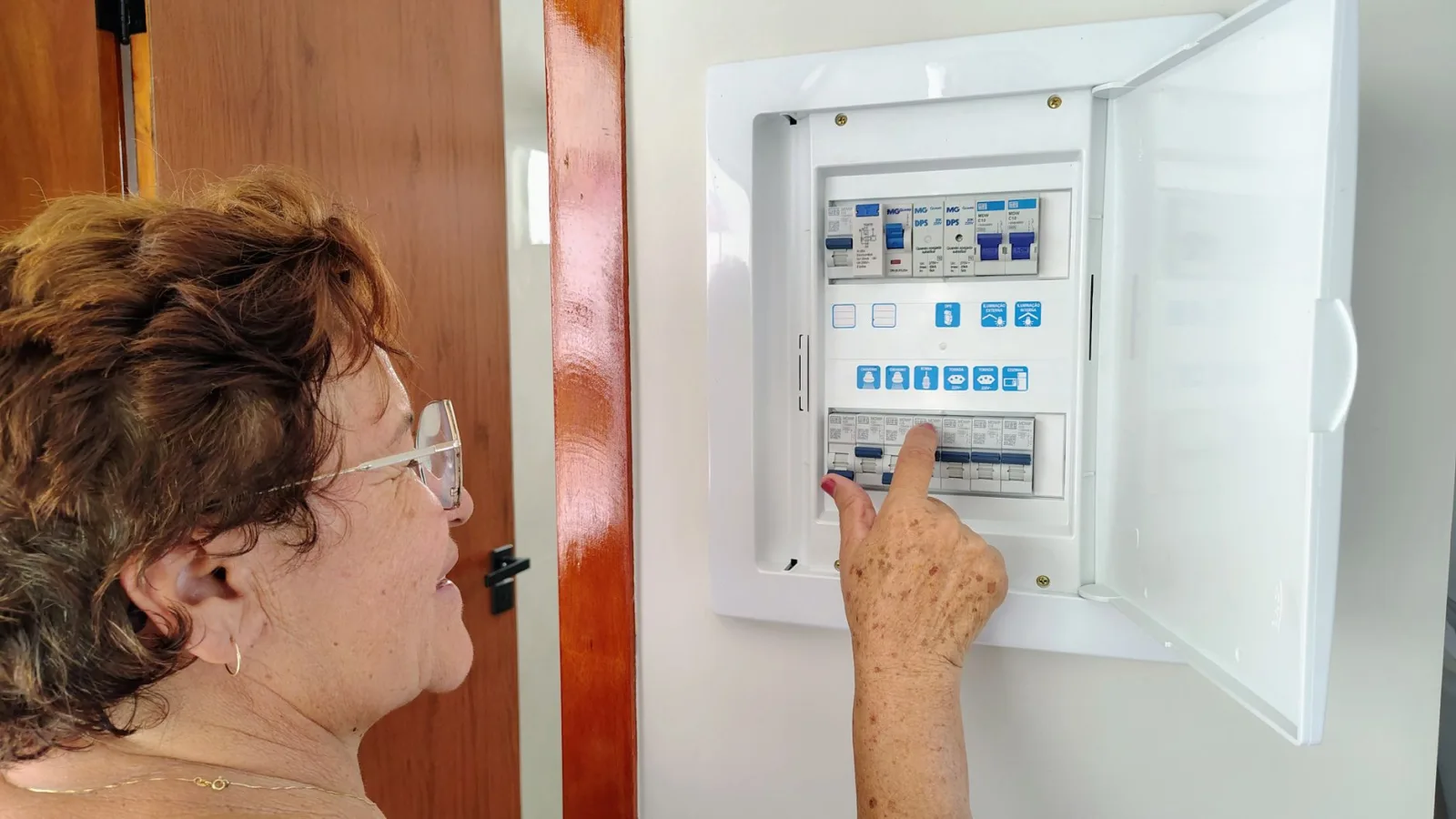
Before you chase the mower, figure out what is cutting the power. A standard breaker in the panel trips on overload or a short. A GFCI outlet or GFCI breaker, common on outdoor and garage circuits in the US, trips on a much smaller current leak to ground, often from moisture. They feel the same to you, but they mean different things. Note whether it is the panel breaker or a little reset button on the outlet that pops. Note the timing too: at the exact moment the dock powers on, when the mower arrives to charge, or randomly. That single observation points you at power supply, water, or wiring before you touch a tool.
New to this? Start with our overview, Robot Mower Troubleshooting: Fix Common Problems, then come back here.
Step 2: Rule Out Moisture First
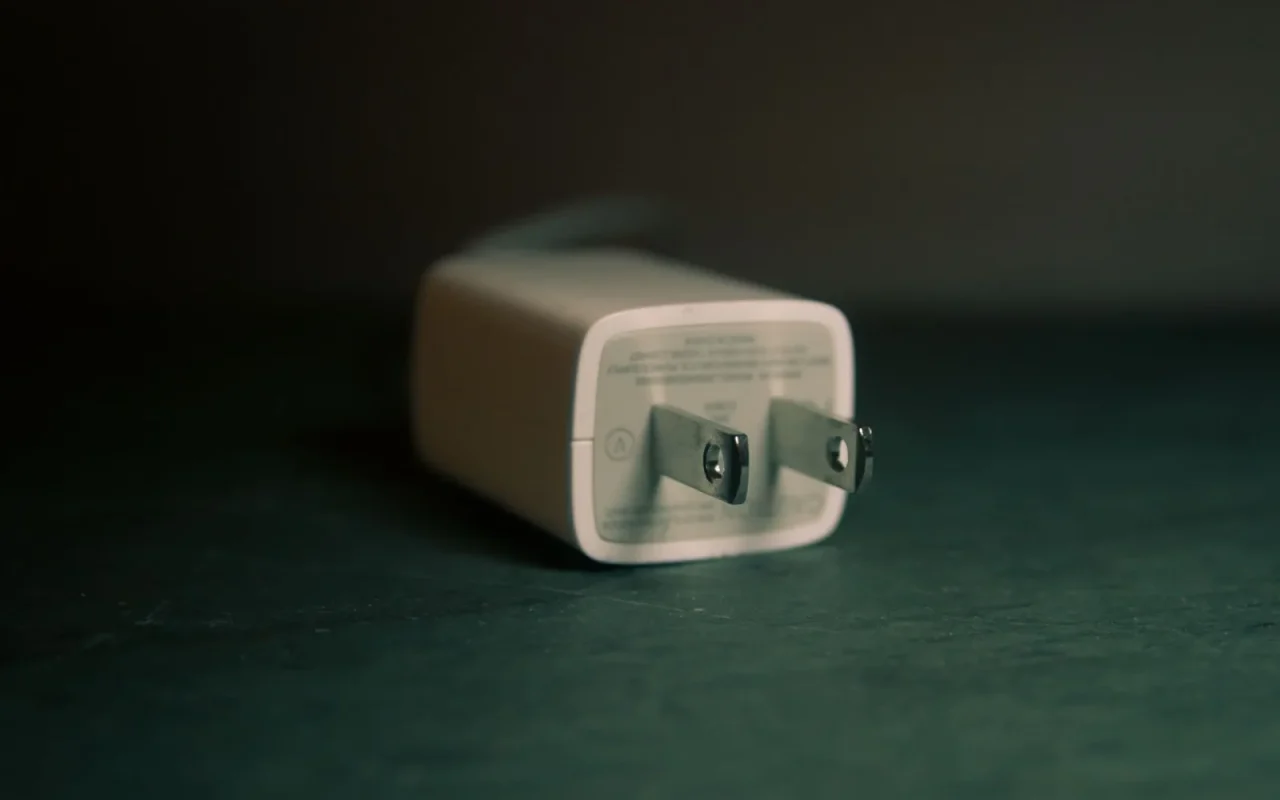
Water is the top suspect by a wide margin, because outdoor charging bases live in rain, dew, and sprinkler spray. Unplug the base, then inspect the outlet, the plug, and the power brick for damp, condensation, or corrosion on the pins. A wet outlet or a power supply sitting in a puddle will leak enough current to trip a GFCI instantly. Dry everything fully, and consider a proper weatherproof in-use outlet cover if the socket is exposed. Route the low-voltage cable so rain cannot run down it into the connector. Many phantom trips vanish for good once the whole power path is dry and shielded from splash.
Step 3: Test the Circuit Without the Mower
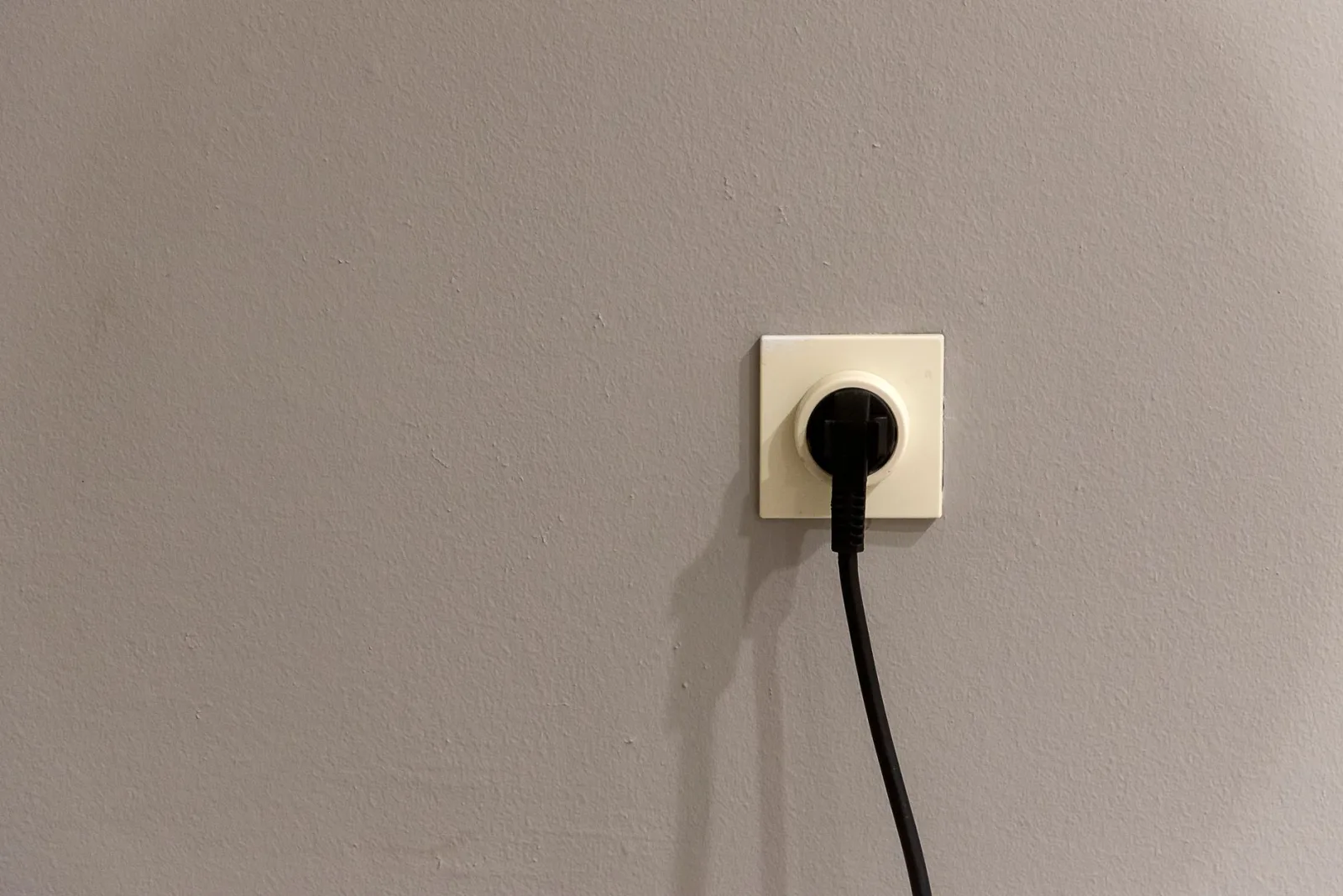
Now isolate the parts. Plug the charging base power supply into the outlet with the mower parked away from the dock and switch it on. If it trips with no mower present, the fault is in the outlet, the power brick, or the base itself, not the battery. If it holds fine alone but trips only when the mower docks and starts drawing current, the issue is the charging load or the mower. Swap the power supply into a different known-good indoor outlet as a test. This simple divide-and-check step saves hours, because it tells you which side of the connection to focus on next.
Step 4: Inspect the Base, Cable, and Contacts
With power off, look closely at the dock hardware. A pinched or chewed low-voltage cable, sometimes damaged by a strimmer or a curious animal, can short against ground and trip protection. Check the charging contacts on the dock for burnt marks, melted plastic, or green corrosion, all signs of a base that is failing rather than a nuisance trip. Make sure no grass clippings or metal debris bridge the contacts. Confirm the base sits on firm, dry ground and that its own connectors are seated. Scorched or heat-marked contacts mean you should stop using the dock and arrange a replacement, not keep resetting it.
Ordered Checks for a Base That Trips the Breaker
- Identify whether the panel breaker or a GFCI outlet is tripping
- Note the exact moment it trips: power-on, docking, or random
- Unplug and dry the outlet, plug, and power brick fully
- Fit a weatherproof in-use cover on an exposed outdoor socket
- Power the base with the mower parked away to isolate the fault
- Test the power supply in a known-good indoor outlet
- Inspect the low-voltage cable for cuts, pinches, or chew marks
- Check dock contacts for burns, melting, or green corrosion
- Move the base to a lighter, less crowded electrical circuit
- Remove extension leads and use one short outdoor-rated cable
- Never bypass a GFCI or fit a larger breaker to force it
- Call an electrician if the outlet trips with nothing plugged in
For a closer look, see Fixing a Lost GPS Signal on a Robot Mower.
Step 5: Try a Different Outlet and a Dedicated Circuit
Sometimes the mower is innocent and the circuit is simply overloaded. Garage and outdoor sockets often share a breaker with freezers, compressors, or shop tools that spike current. If the breaker trips only when a big appliance kicks in on the same circuit, the charging base is just the last straw. Try the base on a different circuit that carries a lighter load. Avoid daisy-chained extension leads and cheap outdoor strips, which add resistance and failure points. A short, outdoor-rated cable straight to a suitable socket is far more reliable and removes a whole class of intermittent trips from the picture.
For broader background, lithium-ion battery basics is a solid reference.
When to Stop and Call an Electrician or the Seller
Electricity is one area where guessing has real risks, so know your limit. If the outlet itself trips even with nothing plugged in, the wiring or the GFCI device is faulty and that is a licensed electrician's job, not a mower fix. If the base trips instantly on a dry, dedicated outlet with a good cable, the power supply or dock is defective and the seller should replace it under warranty. Never bypass a tripping GFCI or swap in a higher breaker to force it to hold, since that defeats a safety device. This is general guidance, so follow your model's manual and local electrical rules.
Putting it into practice
A charging base that trips the breaker feels alarming, but it almost always comes down to water, an overloaded circuit, or a tired dock, and each of those has a clean test. Watch what trips and when, dry the power path, isolate the base from the mower, and move it to a proper outlet before blaming the battery. Keep the safety devices intact; they are protecting your home, not annoying you. If the trip survives a dry, dedicated outlet, hand the base or the wiring to the right professional and let the mower get back to quietly earning its keep.
You will find more on this in Fixing Robot Mower WiFi and App Connection Issues.