The pitch sounds great: tell a speaker to mow the lawn and walk away. My own setup took an afternoon and a bit of swearing, and the payoff was smaller than I expected but real enough to keep. If you already run smart bulbs, a video doorbell, or a thermostat you talk to, adding a mower to that web is tempting. The honest truth is that integration ranges from genuinely handy to purely for show, and it helps to know which is which before you start pairing accounts. Here is what connecting actually involves.
What Integration Really Means Here
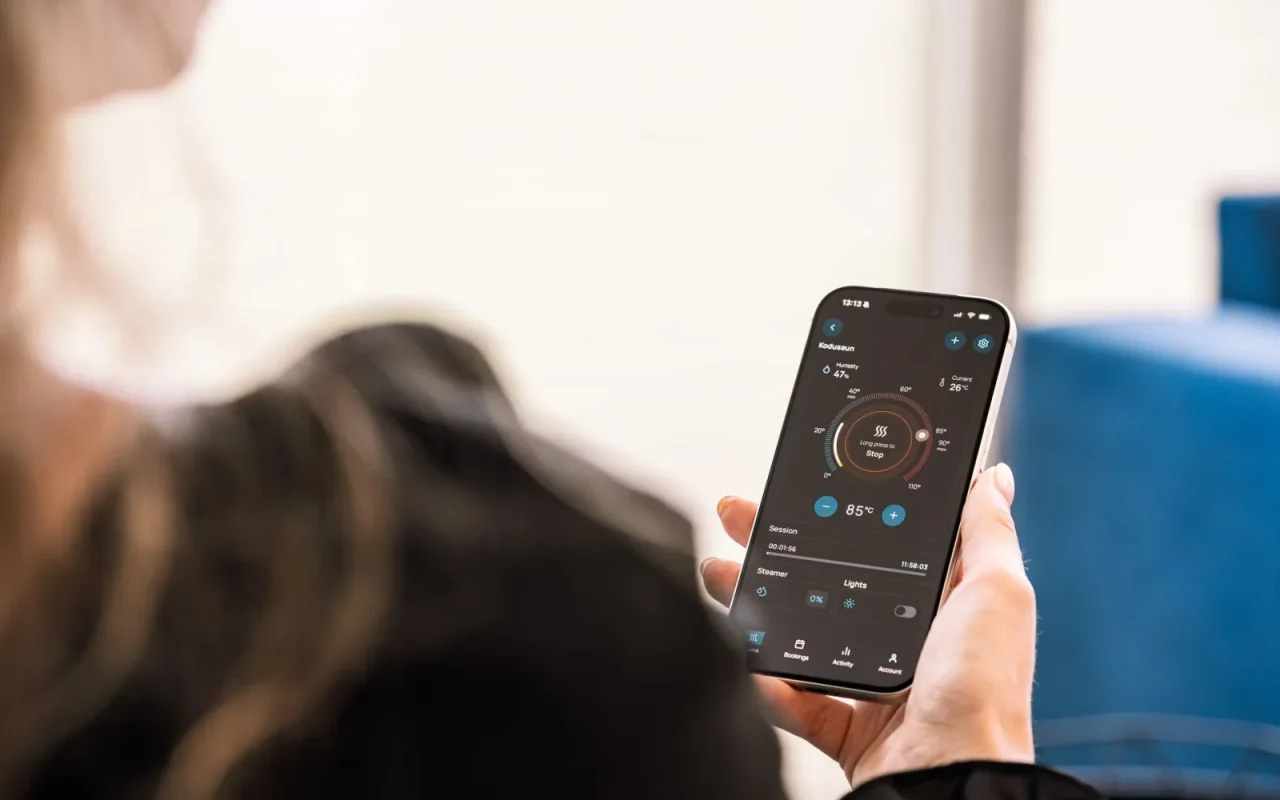
Smart home integration for a mower usually means one of three things, and they are not equal. The first is a link to a voice assistant like Alexa or Google Assistant, so you can start, stop, or send the mower home by voice. The second is a routine or automation that triggers the mower based on time, weather, or another device. The third is a shared dashboard where the mower sits next to your other gadgets in one app. Most models cover the first and third reasonably well. Deep automation, where the mower reacts to your sprinkler or a rain forecast automatically, is still rare and often clunky.
New to this? Start with our overview, Robot Mower Smart Features Worth Paying For, then come back here.
Linking to Alexa and Google Assistant
The common path is a skill or action you enable inside the assistant app, then sign in with your mower account to authorize the link. Once paired, spoken commands map to a small set of actions: start mowing, pause, and return to base are the usual three. Brands like Husqvarna and Worx have offered voice skills for a while, though the exact phrasing and reliability vary. Expect a short delay of a few seconds between your command and the mower moving. If the link drops, it is almost always because the mower account password changed or a token expired, and re-authorizing fixes it in under a minute.

Building Useful Routines and Automations
The real value shows up in routines rather than one-off voice commands. A morning routine might announce the weather and start the mower only if no rain is forced. An evening routine can send it home and lock the shed door. Some owners tie mowing to presence, so the machine only runs when the family is out, which keeps the yard clear for kids after school. Building these usually happens in the assistant app or a platform like IFTTT, not the mower app itself. Keep them simple. Every extra condition is another thing that can silently fail and leave your grass ankle high by Friday.
Where Weather and Sensors Come In
Many people want the mower to skip a run when rain is coming. Most machines already have a built-in rain sensor that pauses mowing, so a weather-based automation is often redundant. Where it helps is scheduling around forecasts rather than reacting to the first drops. A routine that checks tomorrow's forecast and shifts the mow to a dry window keeps cut quality higher, since wet grass tears rather than slices cleanly. A few premium models expose enough data to feed this kind of logic. Cheaper units simply run their schedule and lean on the onboard sensor, which works fine for most suburban lawns.
Steps to Connect a Mower to Your Smart Home
- Confirm your specific model lists Alexa, Google, or a hub as supported
- Update the mower firmware and the phone app to the latest version
- Set a strong, unique password on the mower account before linking
- Enable two-factor authentication if the brand offers it
- Open your assistant app and enable the mower skill or action
- Sign in with your mower account to authorize the link
- Test the three core commands: start, pause, and return home
- Build one simple routine before adding any complex conditions
- Check that the built-in rain sensor still works independently
- Review connected services once or twice a year and prune old links
- Unlink every account before selling or gifting the mower
If you want to go deeper, our guide to Are Robot Mowers Secure? Privacy and Account Safety covers the details.
Security and Account Housekeeping
Every integration you add is another account with access to your mower. Use a strong, unique password on the mower account and turn on two-factor authentication if the brand offers it. When you link a voice assistant, you are granting that platform a token, so review connected services once or twice a year and remove any you no longer use. If you sell the mower or change assistants, unlink the old accounts first. None of this is dramatic, but a smart home is only as tidy as its weakest login, and a mower with GPS and anti-theft is worth protecting like any connected device.

You can also dig into the technology inside robotic mowers for the wider science.
Deciding If It Is Worth the Effort
Be honest about how often you will actually use voice control. For many owners the mower runs on a set schedule and barely needs touching, which makes deep integration a nice extra rather than a reason to buy. If you already live in one assistant ecosystem and enjoy tinkering, the payoff is a tidier dashboard and a couple of genuinely useful routines. If you do not, a good app with reliable scheduling covers the same ground with less setup. Match the effort to your habits, and remember the manual is the final word on what your specific model supports.
What to do next
Connecting a mower to your smart home is less about slick voice tricks and more about quietly removing small chores. The parts that stick tend to be humble: a routine that shifts mowing to a dry window, a nightly command that sends the machine home, a single dashboard so you glance at everything at once. Start small, protect your accounts, and add complexity only when the simple version has earned your trust. If you already speak to your house, folding the lawn into that conversation is a pleasant upgrade. If you do not, a solid app schedule will keep the grass just as tidy.
It helps to read this alongside How Robot Mowers Avoid Obstacles.